SpinyRush Mobile App: iOS & Android Casino
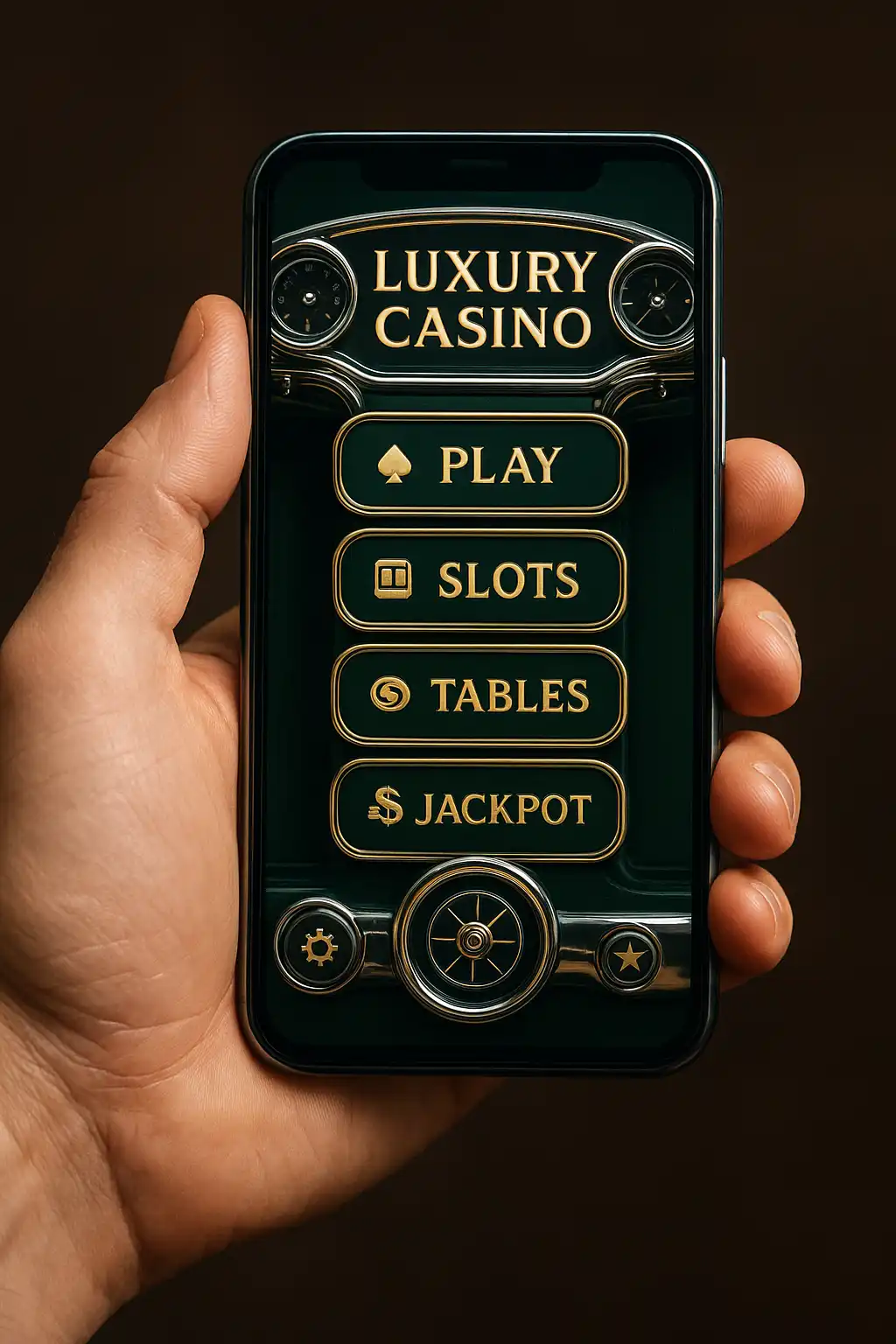
Take the Grand Prix Club Wherever You Go
The SpinyRush app puts the whole paddock in a pocket. Built for punters who don’t fancy being tied to a desktop, it mirrors the full site: slots, live tables, the sportsbook and the cashier, all wrapped in the same chrome-and-checkered livery that runs through the desktop lobby. Members who prefer a browser tab over a download lose nothing either, since the mobile web version runs on the same engine and loads just as sharp on a mid-range Android handset or the newest iPhone.
Loading times were a design priority from the outset. Slot thumbnails lazy-load as the reels scroll into view, the sportsbook odds ladder refreshes without a full page reload, and the cashier opens in a single tap from the sticky bottom bar. None of this needs a chunky install; the whole experience runs comfortably on a 4G connection, which matters for anyone topping up a bet from the stands or between meetings.
Getting the App on iOS
Apple’s policies around real-money gambling apps mean SpinyRush isn’t distributed through the App Store directly. Instead, members download the app straight from the SpinyRush site:
- Open Safari on the iPhone or iPad and log in to the SpinyRush account.
- Tap the download banner at the top of the lobby, then confirm the installation profile when prompted.
- Go to Settings, then General, then VPN & Device Management, and trust the SpinyRush developer profile.
- Launch the app from the home screen icon exactly like any other install.
The whole process takes under two minutes on a decent connection, and the app updates itself in the background afterward, so there’s no need to repeat the steps for future patches.
Getting the App on Android
Android members have an easier route since the operating system allows installation from outside the Google Play Store with a single permission toggle:
- Visit the SpinyRush site on the handset and tap the Android download button.
- Allow installation from unknown sources when the browser asks, a one-time setting per device.
- Open the downloaded APK file and confirm the install.
- Sign in with the existing SpinyRush account details, or register fresh from the app itself.
Some members prefer to skip installation altogether and simply add the mobile site to the home screen as a shortcut, which behaves almost identically for day-to-day play.
What’s Different on Mobile
Nearly everything from the desktop lobby carries over, though a handful of features get a mobile-specific treatment to suit smaller screens and touch input:
| Feature | Desktop | Mobile App |
|---|---|---|
| Slot library | Full grid with hover previews | Swipeable carousel, tap to preview |
| Live dealer tables | Multi-table view | Single table focus, swipe to switch |
| Sportsbook bet slip | Sidebar, always visible | Slide-up drawer, tap to expand |
| Push notifications | Not applicable | Odds boosts, bonus reminders, cashout alerts |
| Biometric login | Not applicable | Face ID and fingerprint supported |
| Offline mode | Not applicable | Cached lobby browsing without live odds |
Push notifications deserve a special mention, since they’re opt-in and can be tuned from the app settings menu. Members can choose to hear about odds boosts on their favourite football team, reminders when a deposit bonus is about to expire, or nothing at all beyond essential account alerts.
Bonuses and the App
The 150% welcome bonus up to £2,000 works identically whether a member signs up on desktop or straight through the app. First deposits made via the mobile cashier trigger the same wagering terms, and the bonus balance syncs instantly across devices, so switching from phone to laptop mid-session never causes confusion about remaining bonus funds. App-only members also get first access to certain flash promotions, typically short-lived free-spin drops tied to a specific slot launch, since push notifications make same-day distribution practical in a way email newsletters can’t match.
Performance and Data Use
SpinyRush built the app to be light on data, which matters for anyone playing on a mobile contract rather than home broadband. A typical session, including a dozen slot spins and a browse through the sportsbook, uses roughly the same data as a few minutes of music streaming. Video-heavy features like live dealer streams naturally use more, and the app includes a data-saver toggle that reduces stream quality automatically when on mobile data rather than Wi-Fi.
Security on Mobile
Account security carries over from the desktop platform without compromise. Two-factor authentication, biometric login and session timeouts all apply equally, and the app never stores raw card details locally, routing payment information through the same encrypted cashier used on the web. Members who lose a handset can remotely log out all sessions from the account settings page on desktop, which immediately invalidates the app’s login token.
Troubleshooting Common Issues
Most installation hiccups on iOS trace back to the trust profile step being skipped, while Android issues are usually a browser blocking the unknown-sources permission. Members stuck on a blank loading screen should try clearing the app cache from the phone’s settings menu before reinstalling, and the support team can walk through screen-share troubleshooting via live chat if the issue persists. Anyone on an older handset with limited storage should note the app itself is a modest download, but cached slot assets can grow over time and are safe to clear from within the app’s own storage settings without affecting the account.
The mobile app remains the fastest way to catch a live odds boost before kick-off or squeeze in a few spins on a lunch break, and SpinyRush keeps rolling out refinements based on member feedback gathered through the in-app support widget.